 StudyLock
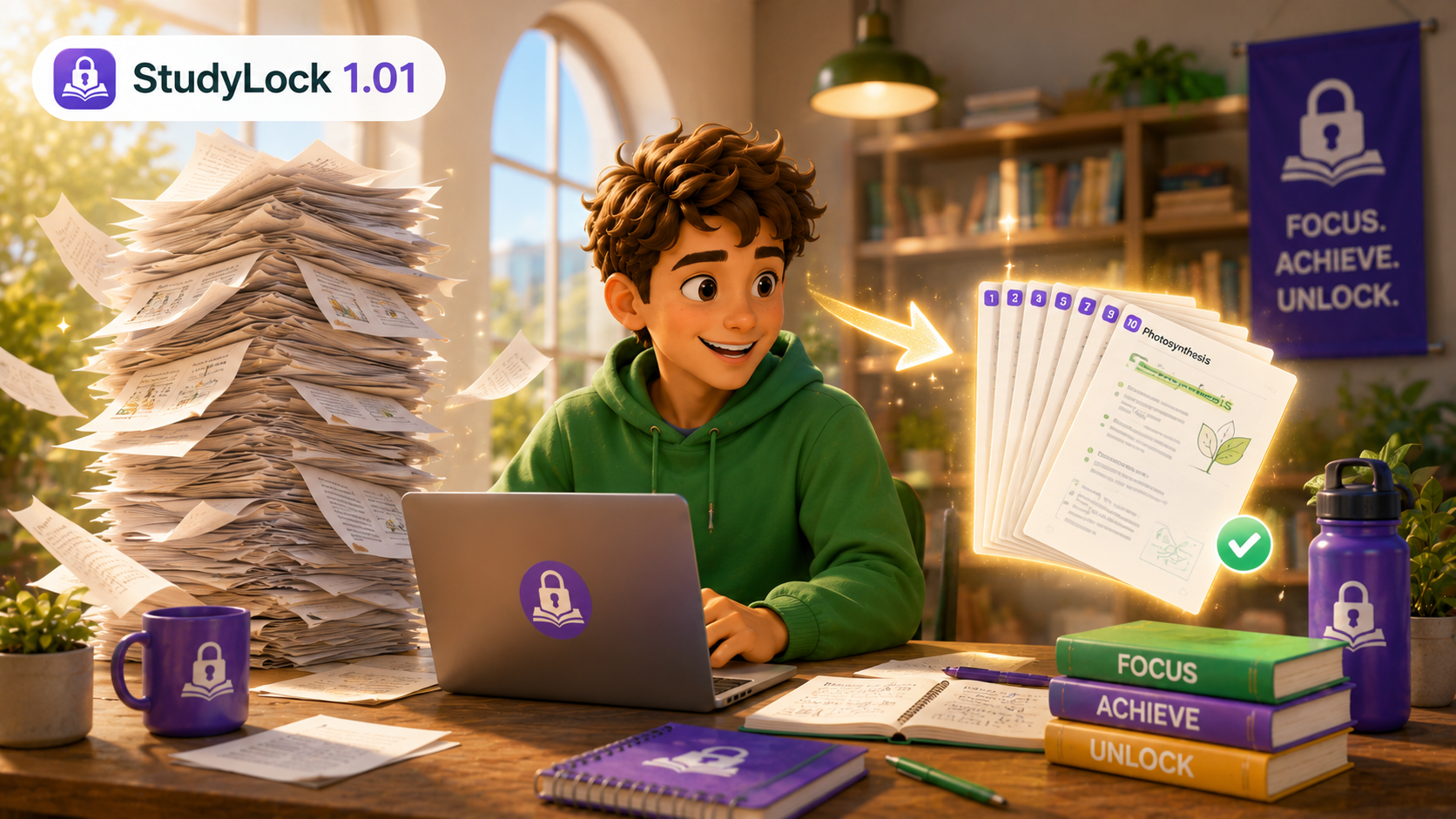
StudyLock 1.01 is a small but practical improvement to the earliest version of the app. The main change makes long PDF materials easier to handle: when a PDF has more than 10 pages, StudyLock now automatically selects the first 10 pages for convenience.
The release also includes minor UI improvements and fixes, helping the product feel a little cleaner and more reliable right from the beginning.
Long PDFs now start with the first 10 pages selected
In early use, very long PDFs can create friction before studying even begins. Version 1.01 improves that by automatically selecting the first 10 pages whenever a PDF contains more than 10 pages.
This makes the starting point more manageable and helps users move into a study session faster, without needing to manually choose an initial page range every time.
Less setup friction, faster studying. Long files feel easier to work with when StudyLock gives you a sensible starting range automatically.
Small UI improvements and fixes
Alongside the PDF convenience improvement, StudyLock 1.01 includes minor interface refinements and bug fixes. These early polish updates matter because they help shape the first impression of the app and keep the experience feeling dependable as the product grows.
Early improvements that make studying easier.
StudyLock started by reducing friction around study materials, and updates like 1.01 helped build a cleaner path from uploading your content to getting focused.