 StudyLock
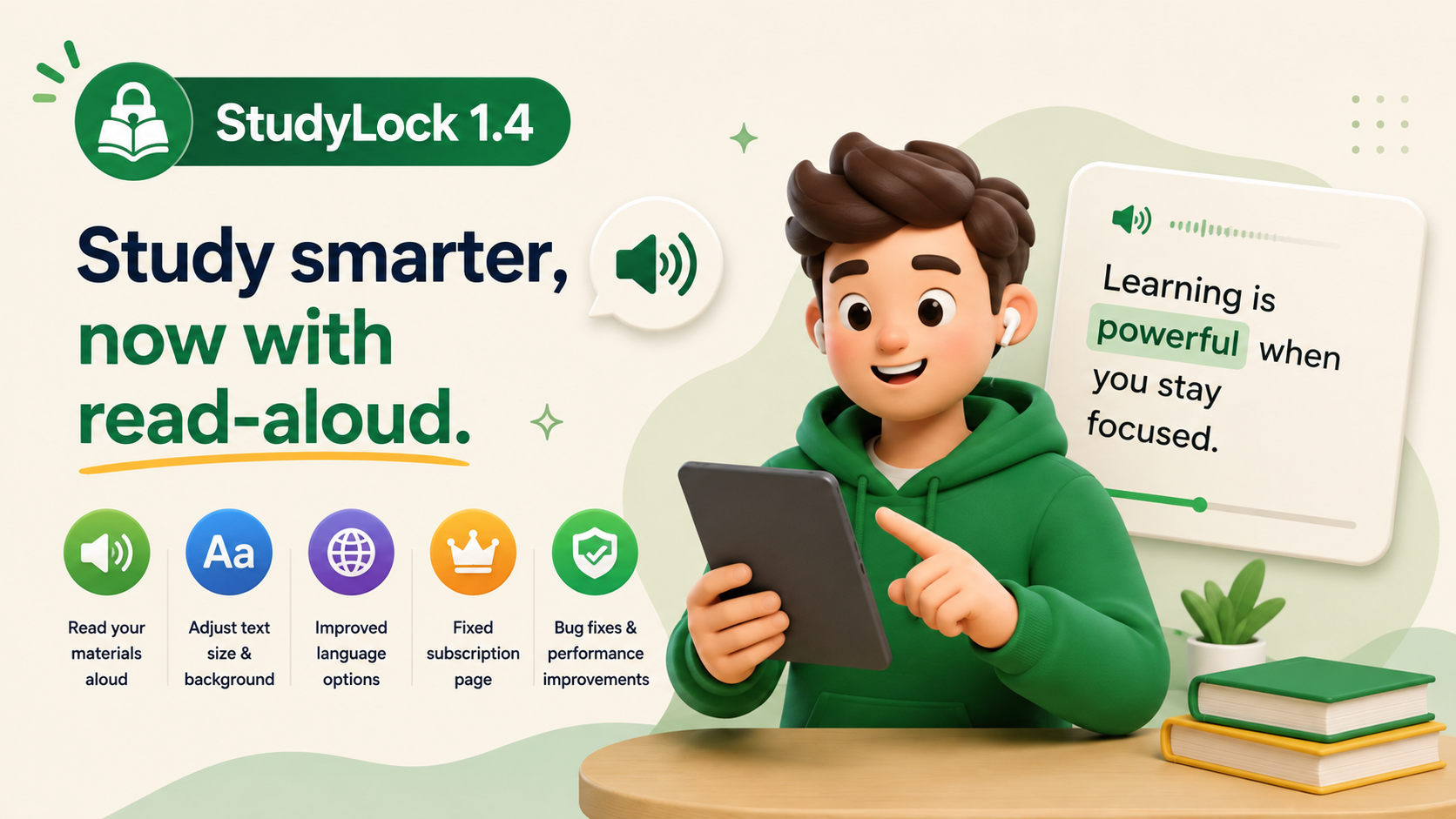
StudyLock 1.4 makes studying more accessible and more interactive. The headline feature in this release is read-aloud playback: your study materials can now be spoken aloud while each word is highlighted as it is read.
This gives students another way to work with their material beyond simply reading it on screen. Listening and following along at the same time can make long notes easier to review, help maintain attention, and create a more flexible study experience.
The update also adds reading customization, simplifies language options, fixes a broken subscription-management link, and includes general performance improvements.
Your study materials can now be read aloud
The biggest addition in StudyLock 1.4 is speech playback for study materials. Instead of only reading the content yourself, you can have StudyLock read it aloud while you follow along.
This creates a more flexible learning experience, especially when you want to review material hands-free, reinforce something through listening, or simply give your eyes a break during a longer session.
Listening and reading can now happen together. StudyLock highlights each word as it is spoken, helping you keep your place and making the playback feel directly connected to the material on screen.
Each word is highlighted as it is spoken
Speech playback is synchronized with the text, so each word is highlighted while it is being read aloud. That makes it easier to follow the narration without losing your place.
The combination of audio and visual tracking can make studying feel more active and may be especially useful for students who prefer multimodal learning or who find long blocks of text harder to stay focused on.
How to enable enhanced speech playback
For the best voice quality, StudyLock 1.4 relies on voices available through iOS. You can enable an enhanced voice by opening Settings → Accessibility → Spoken Content → Voices, choosing your language, and downloading an enhanced voice for that language.
For example, English users can choose an enhanced voice such as Evan (Enhanced). Once downloaded, StudyLock can use the higher-quality system voice during playback.
Customize text size and background color
This release also adds more control over the reading experience. You can now adjust text size and background color to make longer study material more comfortable to read.
These options help students tailor the interface to what feels easiest on their eyes rather than forcing everyone into one fixed reading style.
Cleaner study-language options
StudyLock 1.4 also cleans up the available language choices by removing unsupported selections. This makes the language setup clearer and reduces the chance of choosing an option the app cannot properly handle.
It is a small change, but it makes the setup experience more predictable and easier to understand.
The Manage Subscription button is fixed
We also fixed an issue where the Manage Subscription button could open a broken page. Subscription controls should be straightforward to access, so this fix restores the expected path for users who need to manage their plan.
Bug fixes and performance improvements
Alongside the accessibility and reading upgrades, StudyLock 1.4 includes broader bug fixes and performance improvements.
These refinements help make playback, navigation, and everyday StudyLock use feel smoother and more dependable.
A more flexible way to study
StudyLock 1.4 expands the ways students can engage with their material. Reading is no longer the only option — you can listen, follow each highlighted word, and customize the presentation to fit your own preferences.
That flexibility is an important part of making StudyLock useful for more kinds of learners and more kinds of study sessions.
Read it. Hear it. Learn it.
StudyLock combines distraction blocking with smarter study tools, helping you stay focused while giving you more ways to understand and review the material in front of you.