 StudyLock
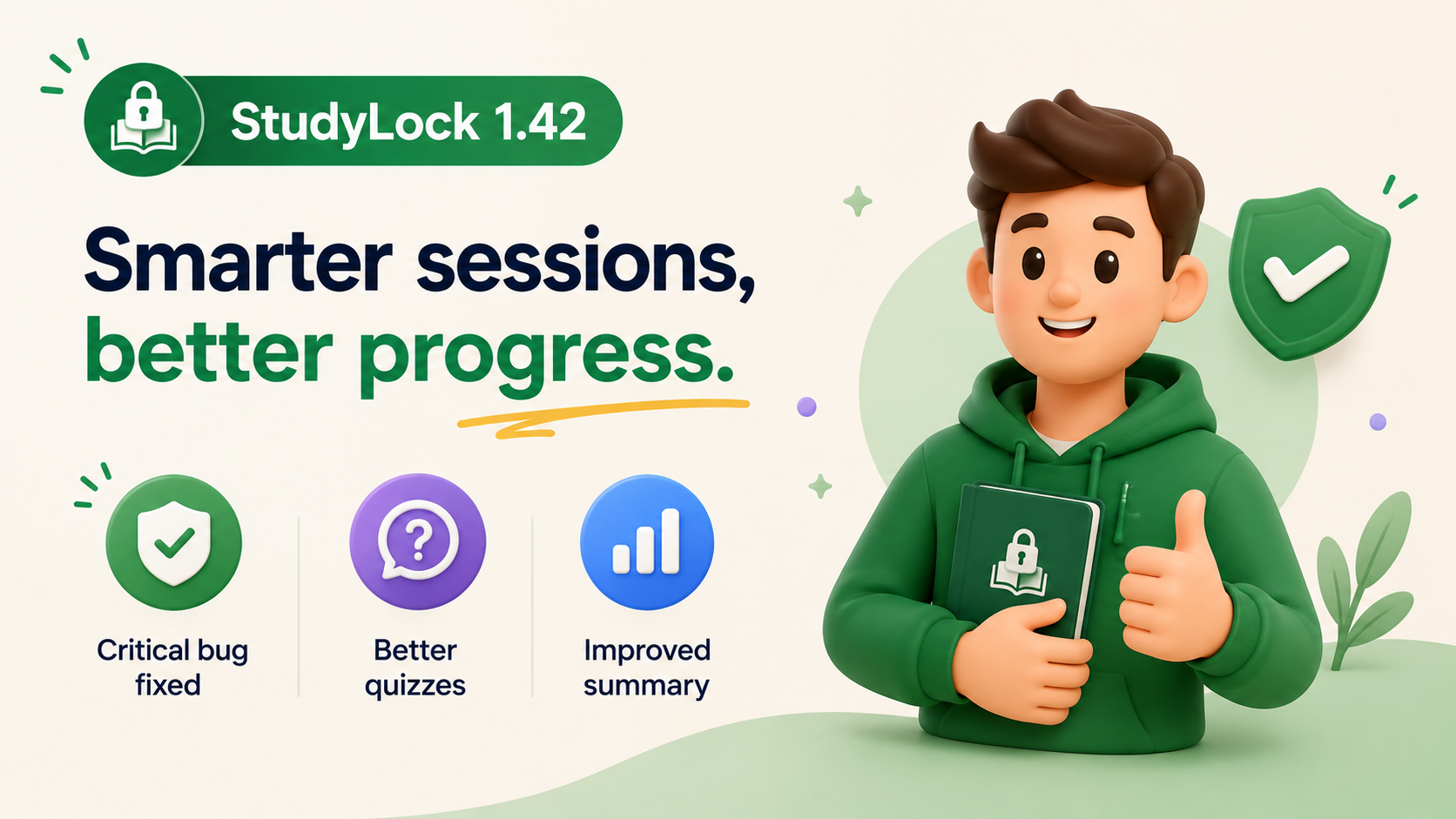
StudyLock 1.42 is focused on making the core study experience more stable, more dynamic, and more informative. This release fixes a critical crash that could happen when activating StudyLock or returning to the main page after fully completed sessions, while also expanding Quiz and improving the summary experience.
New True/False questions give quizzes another way to test understanding, and the enhanced summary view now makes it easier to see your overall progress through completed sessions, total study time, and key milestones.
It is a compact update, but an important one: better reliability during the core flow, more variety during testing, and clearer feedback after you finish studying.
A critical crash has been fixed
The most important change in StudyLock 1.42 is a fix for a critical issue that could cause the app to crash when activating StudyLock or when returning to the main page after a fully completed study session.
Because these are central moments in the StudyLock flow, stability here matters a lot. Starting a session and finishing one should both feel dependable, and this fix removes a major interruption that could break that experience.
Reliability comes first. New features only matter if the basic study flow feels trustworthy, so fixing this crash was one of the most important improvements in the release.
True/False questions are now part of Quiz
StudyLock 1.42 also expands Quiz with support for True/False questions. This gives the app another way to test what you learned and makes quiz sessions feel more varied and dynamic.
Different question formats test understanding in different ways. True/False questions are especially useful for checking whether you can quickly recognize whether a statement about the material is correct, which adds another layer to active recall.
A more useful summary view
The Summary experience has also been enhanced to give you a clearer picture of your progress. You can now see your total completed sessions, overall study time, and key milestones in one polished, more intuitive interface.
That makes the end of a session more meaningful. Instead of only seeing what happened in the current study flow, you can also see how that session fits into the bigger picture of your progress.
Completed sessions are easier to understand at a glance
Seeing the number of completed sessions gives you a simple measure of consistency over time. Each completed session becomes part of a visible record rather than disappearing into the background once you are done.
That can make progress feel more tangible and give students a clearer sense of momentum as their StudyLock history grows.
Total study time gives progress more context
The new overall study time metric adds another useful dimension. Session counts are helpful, but time spent studying shows how much focused effort has actually accumulated across those sessions.
Together, completed sessions and total study time provide a more complete picture of your learning activity.
Milestones make progress easier to notice
StudyLock 1.42 also surfaces key milestones in the summary experience. These moments help break long-term progress into smaller achievements that are easier to recognize and appreciate.
That matters because consistent studying can feel gradual. Milestones make that progress more visible and help show that repeated focused effort is adding up.
A stronger foundation for future study sessions
This release is a good example of how small-looking changes can improve the overall product significantly. The crash fix protects the core flow, True/False questions make quizzes more flexible, and the improved summary view gives students better feedback on the work they have already done.
StudyLock 1.42 strengthens both sides of the experience: the session itself and the progress you see after it.
More reliable sessions. Clearer progress.
StudyLock combines distraction blocking with AI-powered learning tools, helping you stay focused, test your understanding, and see the progress that builds over time.