 StudyLock
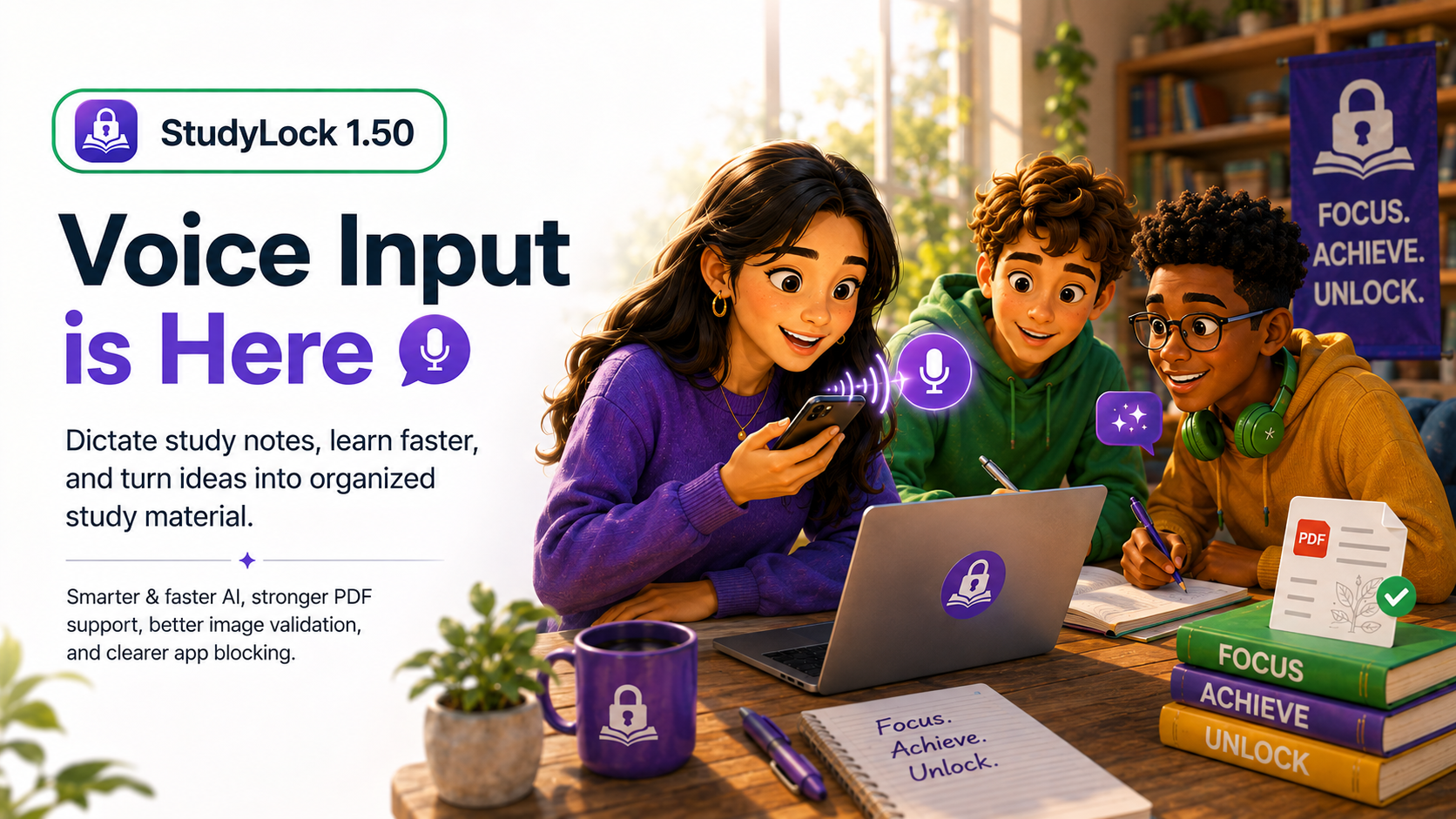
StudyLock 1.50 introduces one of the most practical upgrades yet. This release makes it faster and easier to get study material into the app, improves the intelligence behind the learning experience, and strengthens important parts of the study flow like PDF handling, image validation, and app blocking guidance.
The headline addition is Voice Input, which lets you dictate study notes directly in the app. Instead of typing everything by hand, you can now speak naturally and let StudyLock turn your words into organized study material in seconds.
Alongside that, 1.50 brings a smarter and faster AI model, better feedback when an image cannot be used, more reliable PDF processing, and a clearer app blocking interface that gives users more transparency and control.
Voice Input is here
The biggest feature in 1.50 is Voice Input. You can now dictate your study notes directly in the app, and StudyLock will instantly turn your spoken words into organized study material.
This makes capturing material much more convenient, especially when you want to get ideas down quickly, summarize what you just learned out loud, or build a study session without pausing to type everything manually.
Voice Input makes StudyLock more flexible in the moment. Instead of relying only on typed or photographed material, you can now create study content naturally with your voice and move straight into the learning flow.
Smarter and faster AI
StudyLock 1.50 also switches to a new AI model designed to deliver more accurate, deeper, and quicker results. That means the core learning experience becomes stronger across the board — from material understanding to summaries, quizzes, and follow-up help.
Speed matters because it keeps the study flow smooth. Accuracy matters because better input leads to better learning. This update aims to improve both at the same time.
Improved image validation
When an uploaded image cannot be used, StudyLock now does a better job explaining why. Version 1.50 introduces clearer image validation feedback, with better error explanations and stronger validation checks.
That helps reduce confusion during setup. Instead of simply failing, the app gives users more useful guidance on what went wrong and what kind of image will work better.
Stronger PDF support
PDF handling also improves in this release. Files are now processed more reliably, with proper page handling for a smoother studying experience.
This is especially important for students who rely on lecture notes, digital textbooks, scanned materials, or exported handouts. Better PDF support means less friction when turning longer documents into something StudyLock can actually work with.
A clearer app blocking interface
Version 1.50 also improves the app blocking interface. Users now get clearer guidance on how apps are blocked, giving them more transparency and control over what happens during a study session.
This matters because app blocking is the foundation of StudyLock. The clearer the setup and explanation, the easier it is for users to trust the system and understand exactly what is happening when they activate a session.
Better guidance, better setup, better flow
While the feature list may look compact, this release improves several parts of the product that directly affect everyday usability: getting material into the app, understanding why something fails, processing documents reliably, and understanding how blocking works.
These improvements make StudyLock feel more polished not only as a learning tool, but as a product that guides users more clearly from input to focused study.
Another step toward smoother studying
StudyLock 1.50 is about reducing friction. Voice Input makes it easier to create study material. Smarter AI makes the results better. Improved validation and PDF support make setup more dependable. And the refined blocking interface makes the core focus experience easier to understand.
Together, these changes strengthen both the intelligence and the usability of StudyLock — helping students move from raw material to focused learning with less effort and more confidence.
Speak it. Organize it. Study it.
StudyLock combines distraction blocking with modern AI study tools, helping you turn notes, documents, images, and now even spoken words into a structured learning experience.