 StudyLock
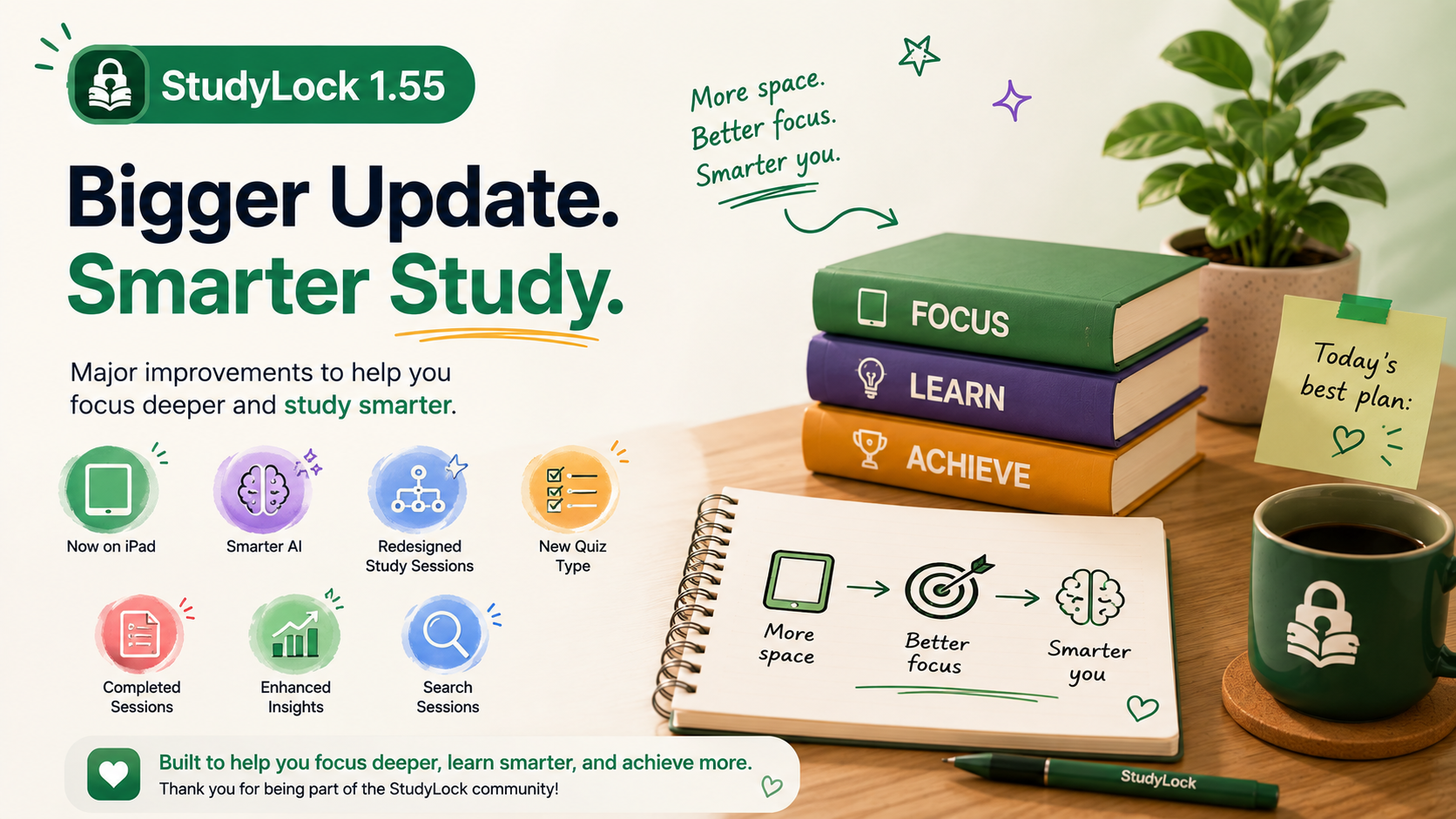
StudyLock 1.55 brings major improvements to how you study across the app. This release expands StudyLock to iPad, upgrades the AI behind your study material, rebuilds the active study-session experience, and makes reviewing past work much easier.
The update is focused on two things: giving students more space and flexibility while they study, and making the AI side of StudyLock better at handling the kinds of material that are usually harder to understand — including math, formulas, coding, and technical content.
It also introduces a new quiz question type with multiple correct answers, refreshes Completed Sessions, adds weekly trends to Study Insights, and makes a growing study history easier to search.
StudyLock is now available natively on iPad
One of the most requested additions has arrived: StudyLock now runs natively on iPad. The larger screen gives you more room to work with study material, review content, and move through a focused session without feeling constrained by a phone-sized layout.
For students who already use iPad for notes, PDFs, textbooks, or schoolwork, this makes StudyLock a much more natural part of that setup. You can keep the same focus-and-study flow while taking advantage of the extra space available on iPad.
StudyLock on iPad is not just a stretched iPhone layout. The goal is to make the study experience feel comfortable on a larger screen, with more room for the material and clearer structure throughout the session.
A major AI upgrade for technical material
StudyLock 1.55 significantly improves how the app understands the material you upload. The AI is now better equipped to work with math, formulas, coding, and other technical content, while also producing more accurate summaries and quizzes.
This matters because technical study material often loses meaning when it is treated as plain text. Better understanding of structure and context means StudyLock can respond more intelligently to what is actually in front of you rather than flattening everything into generic explanations.
A redesigned Study Session experience
The StudyLock session screen has been rebuilt with a cleaner structure and clearer progression. The aim is to make it easier to understand where you are in the session, what you have already completed, and what should happen next.
StudyLock is built around a focused sequence, so the interface should support that flow rather than make you think about navigation. The redesigned experience helps keep attention on the material instead of the controls around it.
Quiz questions can now have multiple correct answers
Version 1.55 introduces support for quiz questions with multiple correct answers. Not every subject fits neatly into a one-answer format, especially when a concept includes several valid statements or conditions.
This makes quizzes more flexible and more realistic, allowing StudyLock to test knowledge in ways that better match the material rather than forcing every question into the same structure.
A refreshed Completed Sessions page
Completed Sessions has also been redesigned to make reviewing past work clearer and easier. As your StudyLock history grows, this page becomes increasingly important because it is where previous learning starts to become a useful archive rather than a list of old sessions.
The refreshed layout puts more emphasis on clarity and reflection, making it easier to return to something you studied before and understand what that session contained.
Study Insights now include weekly trends
Study Insights become more useful in 1.55 with the addition of weekly trends. Instead of only looking at isolated sessions, you can get a better sense of your broader study patterns over time.
Seeing those patterns can make consistency easier to understand: when you are studying more, when activity drops, and how your routine is developing from week to week.
Search your completed study history
Once you have built up a long history of completed sessions, finding one specific session can become surprisingly difficult. StudyLock 1.55 adds search to Completed Sessions so you can quickly find previous work without manually scrolling through everything.
It is a simple improvement, but one that becomes more valuable the longer you use StudyLock.
More space, smarter AI, clearer progress
StudyLock 1.55 is a broad release that improves both the learning engine and the experience around it. Native iPad support gives studying more room, the AI upgrade makes difficult material easier to work with, and the redesigned session flow makes progress easier to follow.
Together with stronger quizzes, better history, and improved insights, this update continues pushing StudyLock toward a more complete study environment rather than simply an app blocker.
Focus deeper. Study smarter.
StudyLock combines distraction blocking with AI-powered learning tools so you can understand your material, test yourself, and keep your study history useful over time.