 StudyLock
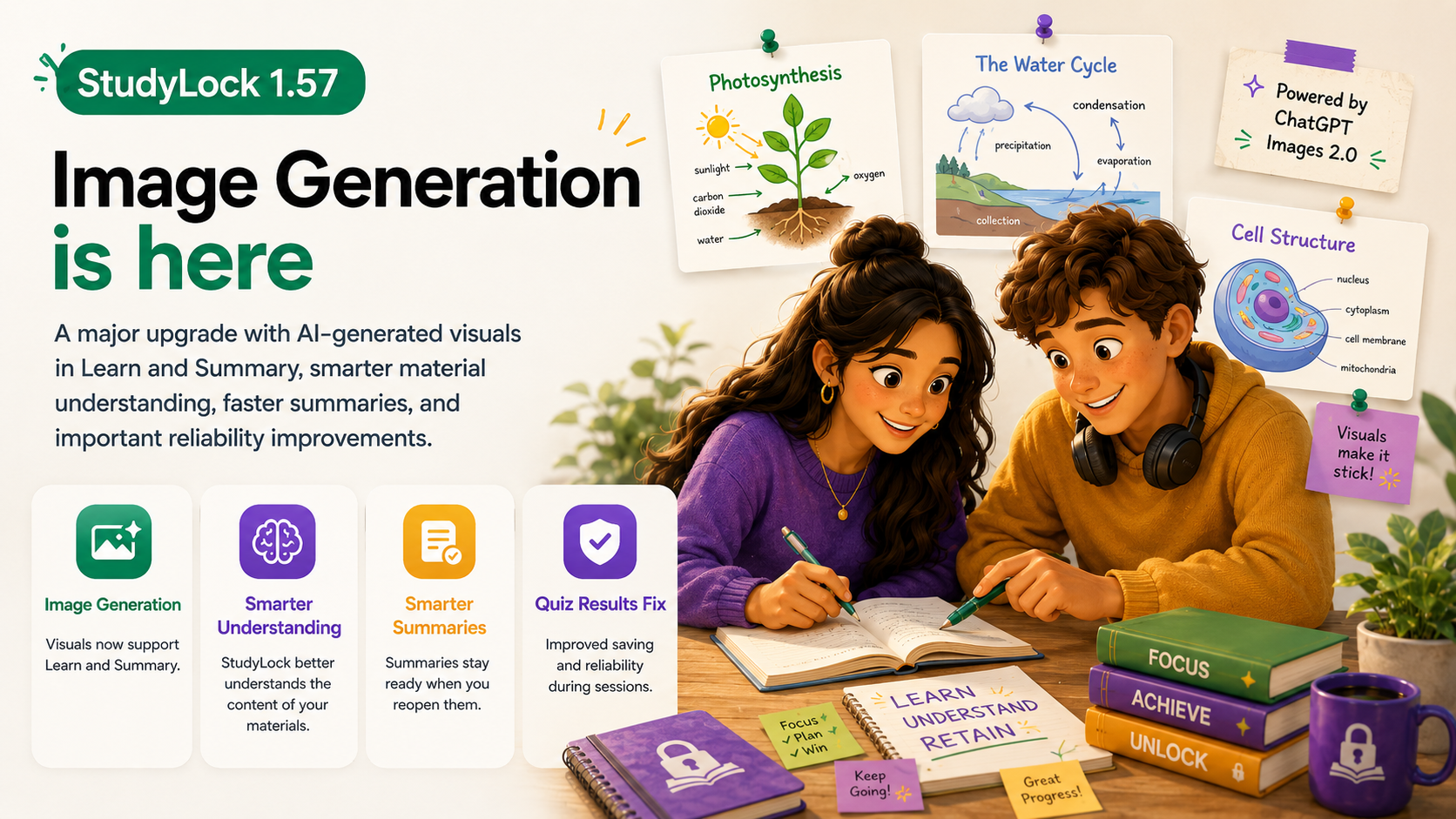
Image Generation is here. StudyLock 1.57 is a major upgrade that makes learning more visual, while also improving how the app understands your study materials and how quickly important parts of a session are ready when you come back.
The headline feature is simple: visuals can now accompany your study materials directly inside Learn and Summary. Instead of relying only on text, StudyLock can generate images that help explain difficult concepts, reinforce what you are reading, and make the study experience feel more interactive.
Under the surface, 1.57 also improves material understanding, summary handling, quiz result reliability, and overall performance across the app.
Image Generation has arrived
StudyLock can now create AI-generated visuals for your study material inside Learn and Summary. These images are designed to support the material you already uploaded, helping make difficult ideas easier to understand when a visual explanation is more useful than another paragraph of text.
The feature is powered by the latest ChatGPT Images 2.0 experience and is available to all users. Instead of treating visuals as a separate tool, StudyLock places them directly into the learning flow where they can actually help explain the topic you are studying.
The goal is not to generate images just for decoration. Visuals should make the material clearer — whether that means illustrating a process, showing a concept in another way, or giving you something more memorable to connect with the explanation.
StudyLock understands more than just the text
Version 1.57 also improves how StudyLock understands the material you give it. The app can now work with more than the raw text it extracts — it can better understand the actual content and context of your study materials.
That stronger understanding feeds into the rest of the study flow, including more accurate summaries, quizzes, and insights. The aim is for StudyLock to respond to what your material is really about rather than simply processing disconnected pieces of text.
Smarter Summary handling
Summaries are now generated once and kept ready when you reopen them. Previously, reopening Summary could mean generating the content again, which added unnecessary waiting and repeated work.
With 1.57, the result stays available so returning to a completed part of your session feels much faster and more predictable.
Quiz results are more reliable
We fixed an issue where quiz results could sometimes fail to save if the app was closed during a study session. This kind of reliability matters because your quiz performance is part of the progress you made during the session and should not disappear unexpectedly.
The fix helps make completed sessions more dependable, especially when you return to them later.
UI and performance improvements across StudyLock
StudyLock 1.57 also includes a wider set of interface improvements and performance enhancements. These changes are less visible than Image Generation, but they help the app feel smoother and more responsive during everyday use.
As StudyLock grows into a larger AI-powered study environment, keeping the core experience fast and reliable remains just as important as adding new features.
A more visual way to understand your material
StudyLock started by combining focused app blocking with active learning. Image Generation adds another layer to that idea: the material you bring into a session can now become not only explanations, quizzes, and summaries, but visual learning aids as well.
This update is another step toward making StudyLock a study space that adapts to the material in front of you and gives you different ways to actually understand it.
More ways to learn. Fewer reasons to get distracted.
StudyLock combines AI-powered study tools with distraction blocking, turning your own material into a focused learning experience you can understand, test, and review.