 StudyLock
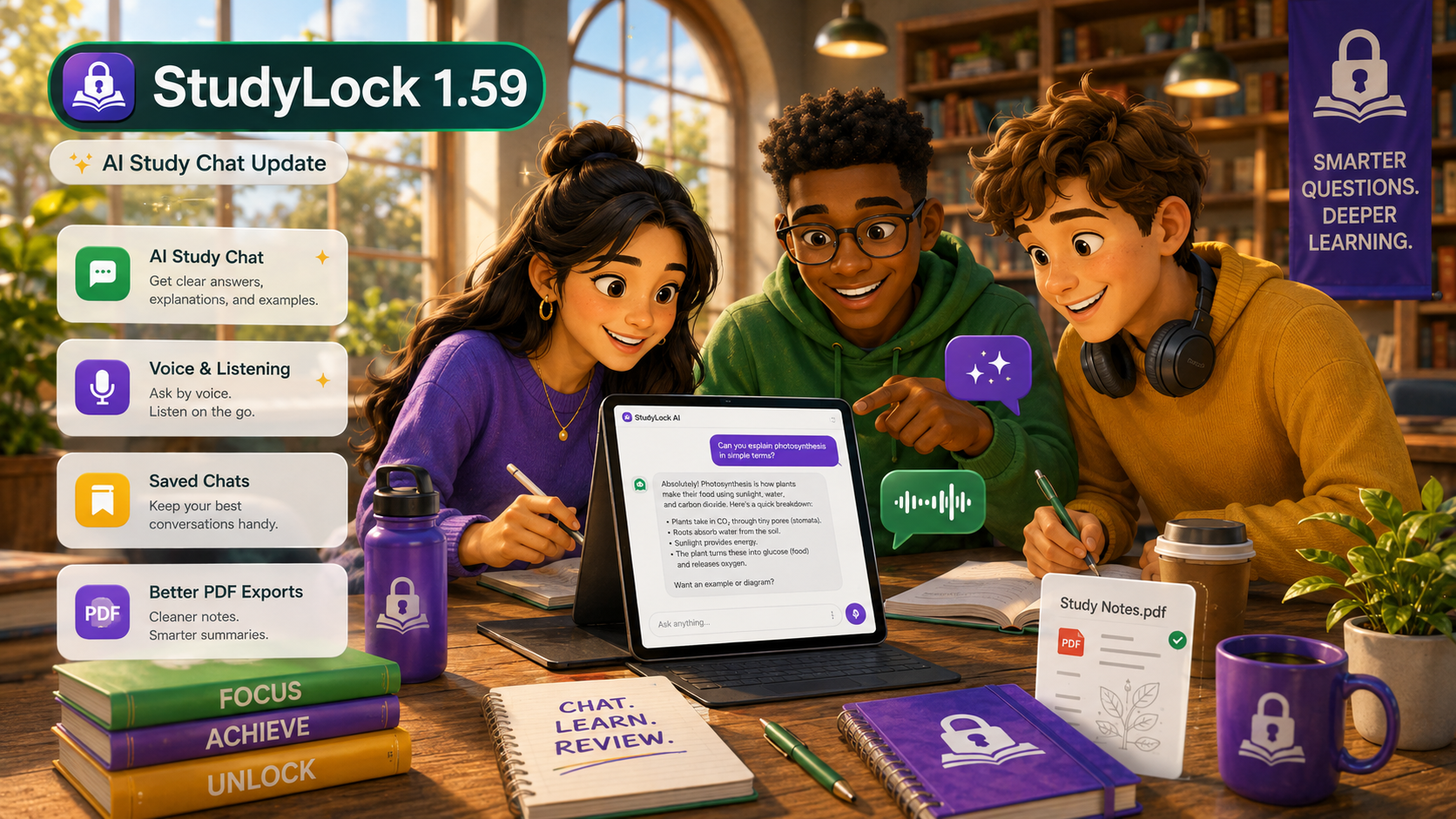
StudyLock 1.59 is here. This is a major update focused on making studying feel more natural, interactive, and genuinely useful. The biggest change is that Learn is no longer a static step in your session — it becomes a full AI study chat built around your own material.
With 1.59, StudyLock moves closer to being a complete AI-powered study space. You can still block distractions and protect your focus, but now the learning experience itself is much more flexible. Ask questions, simplify difficult topics, create flashcards, request examples, generate visuals, and continue exploring your material in a conversational way.
The goal is simple: studying should feel less rigid and more like working with a smart study partner that already understands the notes, PDFs, images, and recordings you brought into your session.
Learn is now a full AI study chat
The biggest feature in StudyLock 1.59 is the complete upgrade of the Learn section. Instead of treating Learn and AI StudyBuddy as separate experiences, this update brings them together into one smarter study chat.
Your study material becomes an interactive conversation. That means you can ask follow-up questions, dig deeper into difficult concepts, simplify explanations, turn ideas into flashcards, ask for examples, and generate visual explanations — all without breaking the flow of your session.
StudyLock is no longer just telling you what’s in your material. It lets you talk with your material in a much more natural way, like you would with a modern AI assistant — but inside a study flow built around focus and review.
Speak your questions and listen back to your notes
StudyLock 1.59 also adds stronger voice and listening support. If you do not want to type, you can now speak instead. And when you want to review hands-free, you can listen to your study notes back.
This makes StudyLock more useful in the moments when typing feels slow or inconvenient — whether you are reviewing while walking, checking an idea quickly, or simply want a more natural way to interact with your study material.
A redesigned voice recording experience
To support that better, the voice recording screen has been redesigned with a cleaner layout, smoother controls, and a more focused feel. The goal was to make the process of turning spoken study material into text feel less clunky and more polished.
It is a relatively small part of the experience, but one that matters a lot if you like capturing material by speaking rather than typing.
Saved study conversations you can revisit later
One of the most useful additions in 1.59 is that your Learn chats are now saved with completed study sessions. That means the work you do inside the AI study chat does not disappear once the session ends.
You can come back later and review exactly what you studied, which questions you asked, and what explanations helped you understand the material. That makes StudyLock more valuable not just in the moment, but over time as a record of your learning.
Better PDF exports for modern study content
Study conversations are also easier to take with you outside the app. StudyLock 1.59 improves PDF exports so your saved chats can be exported as beautiful, cleaner-looking documents.
Exports now have better support for AI-generated images, code blocks, tables, and cleaner formatting overall. The result is a much more usable PDF when you want to save a session, review it later, or share it somewhere else.
A new Learn tutorial to help you get more from AI chat
Whenever a feature becomes more powerful, it also becomes more important to help people use it well. That is why 1.59 adds a new guide inside the Learn section with examples and best practices for getting more out of the AI chat experience.
Instead of leaving people to guess what kinds of prompts or follow-up questions work best, StudyLock now gives clearer guidance from inside the app itself.
A smoother setup and a more polished app
Beyond Learn, StudyLock 1.59 also improves the overall setup experience. The session setup flow has been redesigned to feel cleaner, smoother, and more polished from the moment you start building a study session.
We also continued visual improvements across the app with more iOS 26-inspired refinement, bringing the interface closer to the modern, native look we want StudyLock to have.
iPad, search, and layout fixes
This update also includes a number of practical fixes. We resolved search layout issues on iPad, restored missing search behavior on non-iOS 26 iPhones, and improved several iPad layouts for a cleaner and more consistent experience.
Localization was refined too, with updated and improved translations across the app to make StudyLock feel smoother in every supported language.
StudyLock is becoming a full AI-powered study space
StudyLock began as a way to block distractions while you study. That mission is still at the center of the app. But with 1.59, it becomes much clearer that StudyLock is growing into something bigger: a place where you can focus, understand your material, test yourself, and review everything later in one connected flow.
The new AI chat experience is a big step in that direction. It makes studying more flexible without giving up the structure that helps you actually make progress.
Thanks for building StudyLock with us.
StudyLock combines focus tools with AI-powered study support, so your own material becomes something you can actively explore, understand, and revisit later.