 StudyLock
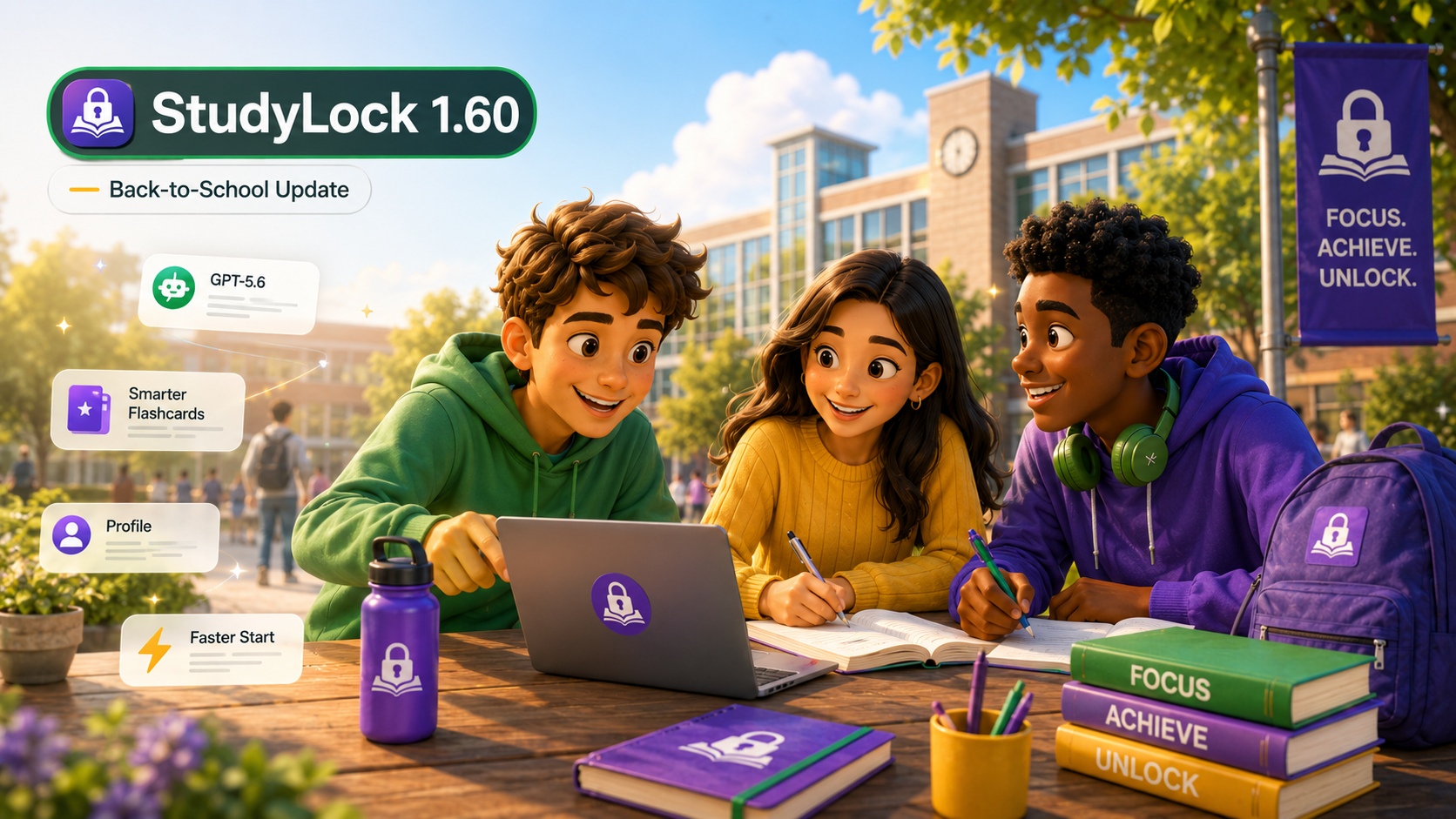
The big back-to-school update is here. StudyLock 1.60 is our biggest upgrade yet, built to make starting a study session faster, learning from your own material more useful, and every part of the experience clearer as students head into a new school year.
This release touches almost every part of StudyLock. We upgraded the AI behind Learn, Quiz, and Summary, taught flashcards to better recognize vocabulary-style material, redesigned the core study flow, rebuilt Profile around useful study insights, and added new ways to personalize your account with avatars and frames.
We also made a lot of smaller improvements across iPhone and iPad, including better layouts, localization polish, and a faster way to activate StudyLock when you do not want to wait for study visuals to be generated.
Smarter study help with GPT-5.6
StudyLock 1.60 upgrades the AI used throughout your study session to GPT-5.6. That means the same material you upload can now power more capable Learn conversations, stronger quizzes, clearer summaries, and better follow-up help when you ask questions about something you do not understand.
The goal is not to turn studying into an endless AI chat. StudyLock is designed around a focused loop: bring your own material, learn it, prove what you remember, review the key takeaways, and then move on. The new model gives each of those steps a stronger foundation while keeping your own notes, PDFs, images, and recordings at the center of the session.
Flashcards that understand what you are studying
Not every piece of study material should be treated like a textbook chapter. Vocabulary lists, terminology sheets, and language notes need a different kind of flashcard than a long academic explanation.
StudyLock now detects this structure more intelligently. When your material looks like vocabulary or a list of terms, flashcards can favor useful patterns such as:
- word → translation
- word → definition
- phrase → meaning
That sounds simple, but it makes a big difference. Instead of turning a single word into an unnecessarily long explanation, StudyLock can create a card that matches the way you actually need to memorize the material.
Learn, Quiz, and Summary now stay where you expect them
One of the clearest pieces of feedback we received was that the core StudyLock flow should feel more predictable throughout a session.
In 1.60, Learn, Quiz, and Summary stay in consistent positions from start to finish. Their cards have also been refreshed to make the current status and next action easier to understand at a glance.
The flow is still simple: Learn from your material, test yourself with the Quiz, then use Summary to review the key takeaways and complete the session.
StudyLock still keeps the same principle at the center: distracting apps stay blocked while you are studying, and progress through your material determines when you are done. The interface should now do a better job of guiding you through that process without making you stop and think about where to tap next.
Start faster when you do not need study visuals
Generated visuals can make difficult concepts easier to understand, but sometimes you simply want to start studying immediately.
StudyLock 1.60 gives you that choice before activation. You can ask StudyLock to generate study visuals before your session, or choose a faster start and skip image generation when speed matters more.
This puts the trade-off in your hands: richer visual support when you want it, less waiting when you do not.
A completely redesigned Profile
Profile is no longer just a place for account details. We rebuilt it around your StudyLock activity so it can give you a clearer picture of the progress you are making over time.
The refreshed Profile brings study insights and personal progress into one place, making it easier to see how StudyLock fits into your routine rather than treating every session as an isolated event.
Unlock avatars and colorful frames
We also wanted Profile to feel more personal. StudyLock now includes new avatars and colorful profile frames that you can unlock with Study Points earned by studying and completing activities.
It is a small reward system with a simple idea behind it: the more you put into your own learning, the more ways you have to make your StudyLock profile feel like yours.
Report AI or quiz problems directly from the session
AI-generated study content can occasionally get something wrong, and when that happens we need enough context to understand what went wrong.
StudyLock 1.60 adds Report a Problem directly inside Learn and Quiz. If an explanation looks incorrect or a quiz question does not make sense, you can report it from the place where you encountered it. That gives us much better context and helps us investigate issues faster.
A Back-to-School Lifetime PRO offer
To celebrate the new school year, StudyLock will also run a limited-time Back-to-School Lifetime PRO offer. If you have been thinking about upgrading, keep an eye on the app during the event.
The offer will only be available for a limited period, alongside our wider Back-to-School push for students rebuilding their study routines after summer.
Polish across the entire app
Big releases are not only about the headline features. We refined interfaces throughout StudyLock, improved layouts across different device sizes, and polished the English, Czech, and Russian localizations.
There are also many smaller fixes and refinements throughout the app that are harder to fit into a changelog but make StudyLock feel more consistent day to day.
New school year. Smarter StudyLock.
StudyLock started with a simple idea: if your phone is going to compete for your attention, studying should have a way to fight back. Version 1.60 pushes that idea further by making the learning side smarter, the focus flow clearer, and the whole experience faster and more personal.
If you are heading back to school, university, or simply trying to rebuild a study routine after summer, this update was made for that moment.
Let’s get focused.
StudyLock combines AI study tools with distraction blocking, so your study material becomes the path back to the apps competing for your attention.